Available · Android, iPhone and web
Your business under control, from your phone
Ditch the notebooks and spreadsheets. Sell, manage your inventory and know how much you earn each day. An app built for merchants, not corporations.
- Start free
- No credit card
- Ready in 2 minutes
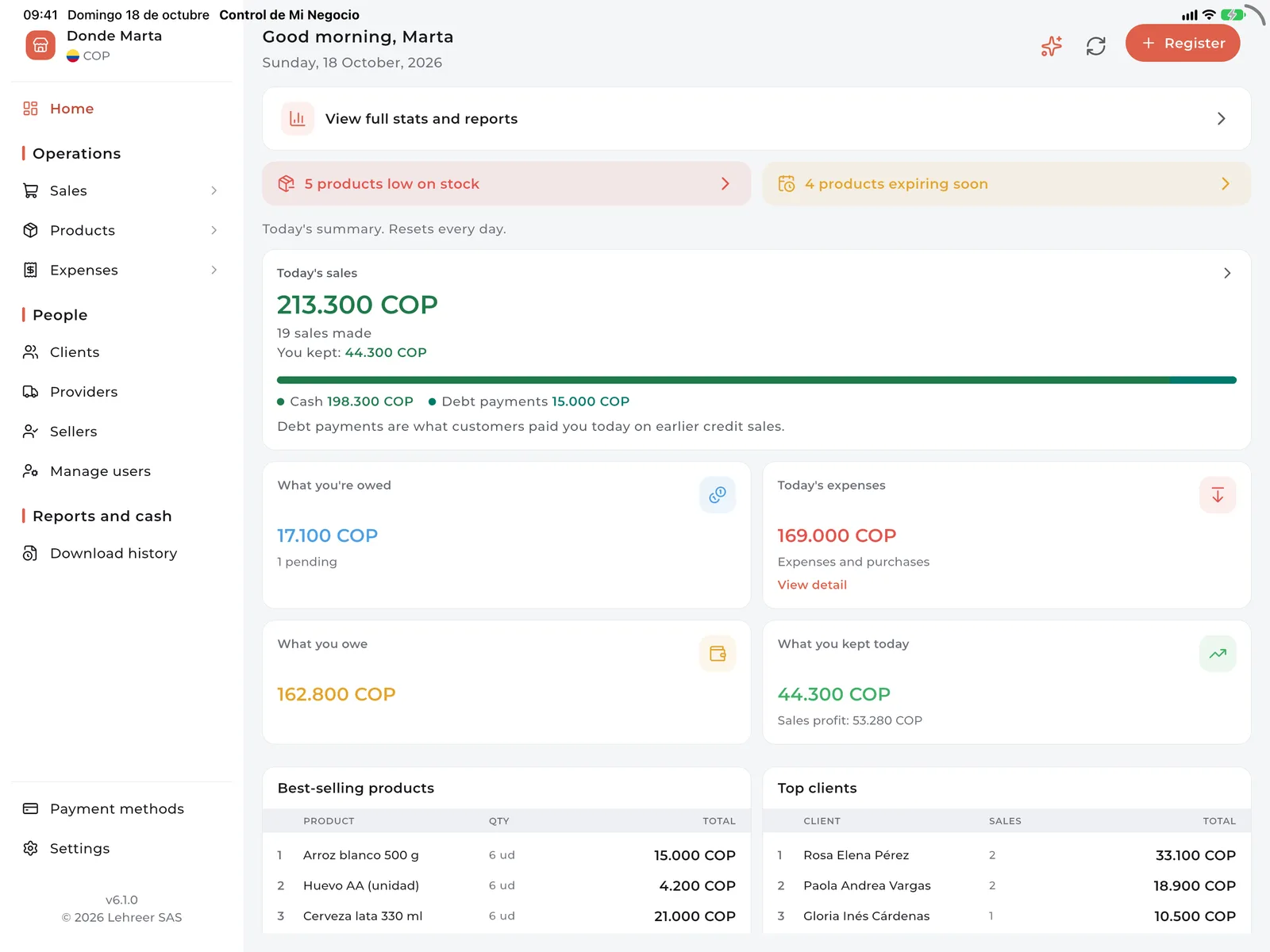
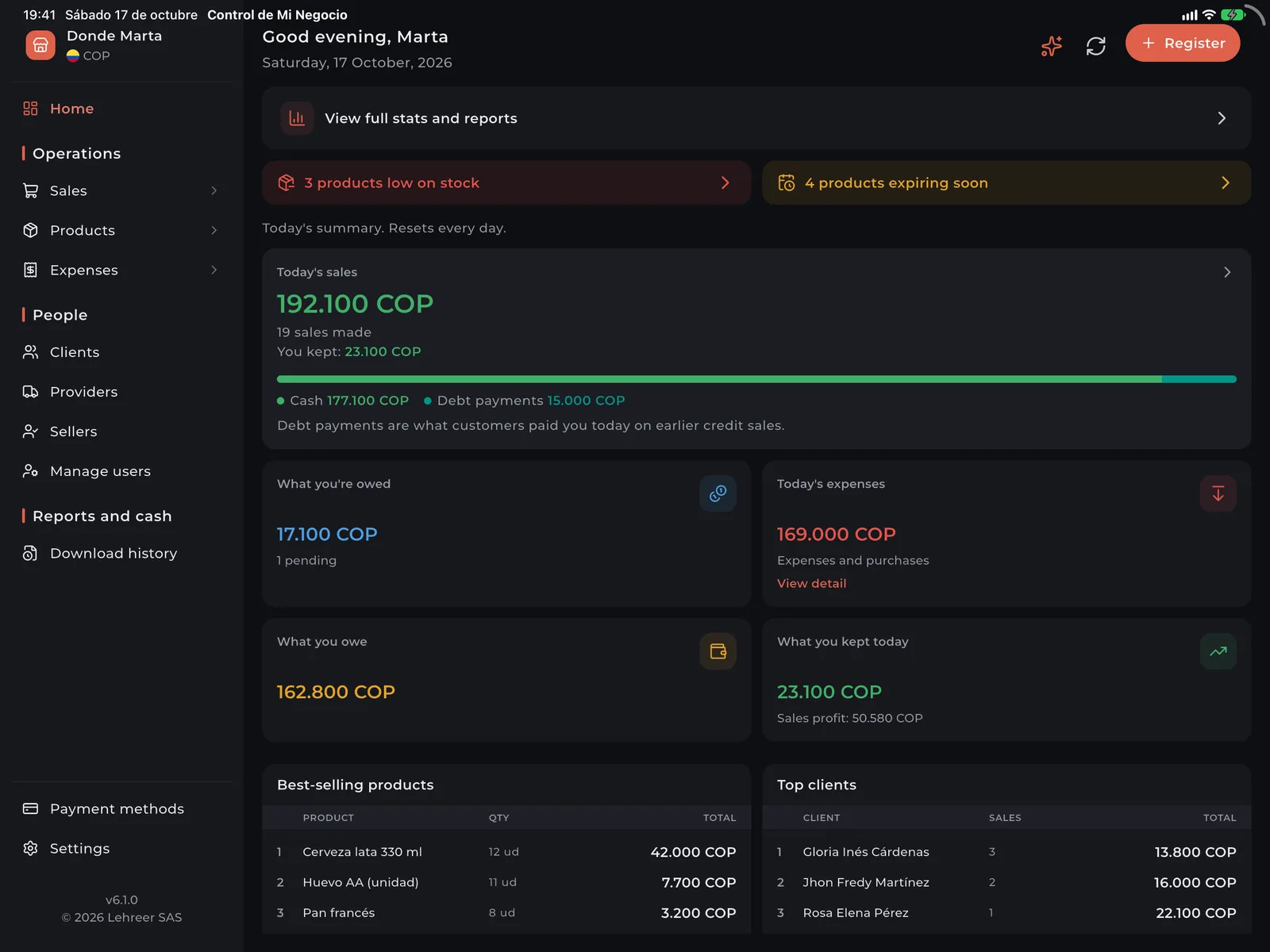
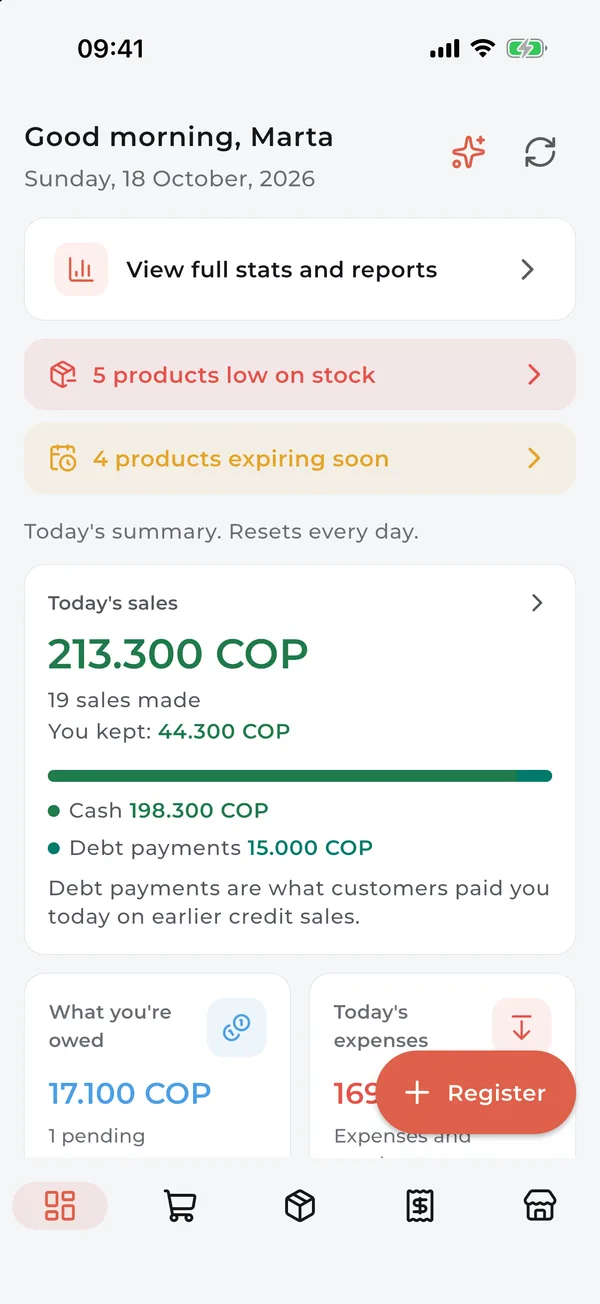
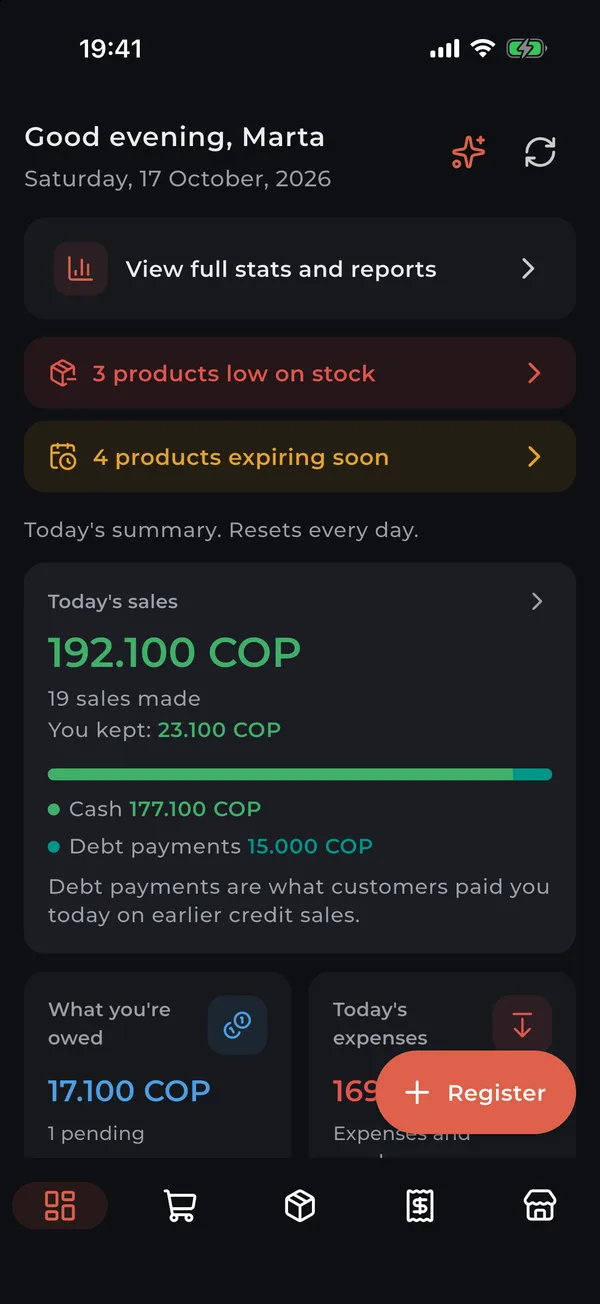
8,000+
businesses use it every month
100K+
downloads
4.5
stars on Google Play
40+
countries
Sound familiar?
“I don't know how much I sold today”
You write in a notebook or keep it in your head, and at the end of the day the numbers don't add up.
“Customers owe me and don't pay”
You keep credit accounts on slips of paper that get lost or forgotten.
“I don't know if my business is profitable”
You work all month but don't know how much profit you actually made.
We built Control de Mi Negocio to solve exactly these problems.

Made for merchants like you
Whatever you sell, the app fits your business.

Grocery stores & mini markets
See more
Bakeries & pastry shops
See more
Boutiques and cosmetics
See more
Hardware stores
See more
Food trucks & restaurants
See more
Wholesalers & distributors
See more
Produce & fruit stores
See more
Stationery & book shops
See more
Kiosks & convenience stores
See more
Every month it is used by more than 1,000 corner stores and minimarkets and more than 1,000 clothing stores, plus bakeries, food businesses, stationery shops, hardware stores and many more.
See how it works
A day in a neighborhood store, from the first sale to closing the register, in just over a minute.
Features
Everything you need to run your business
No complications, no accounting knowledge needed, no wasted time.
Sales
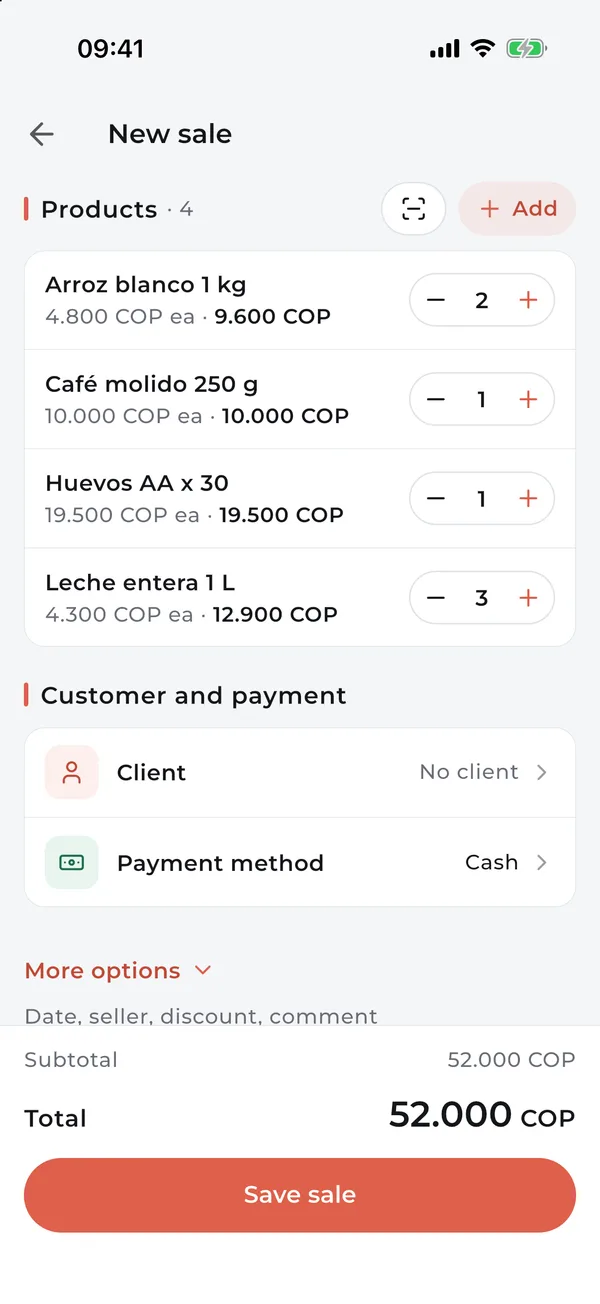
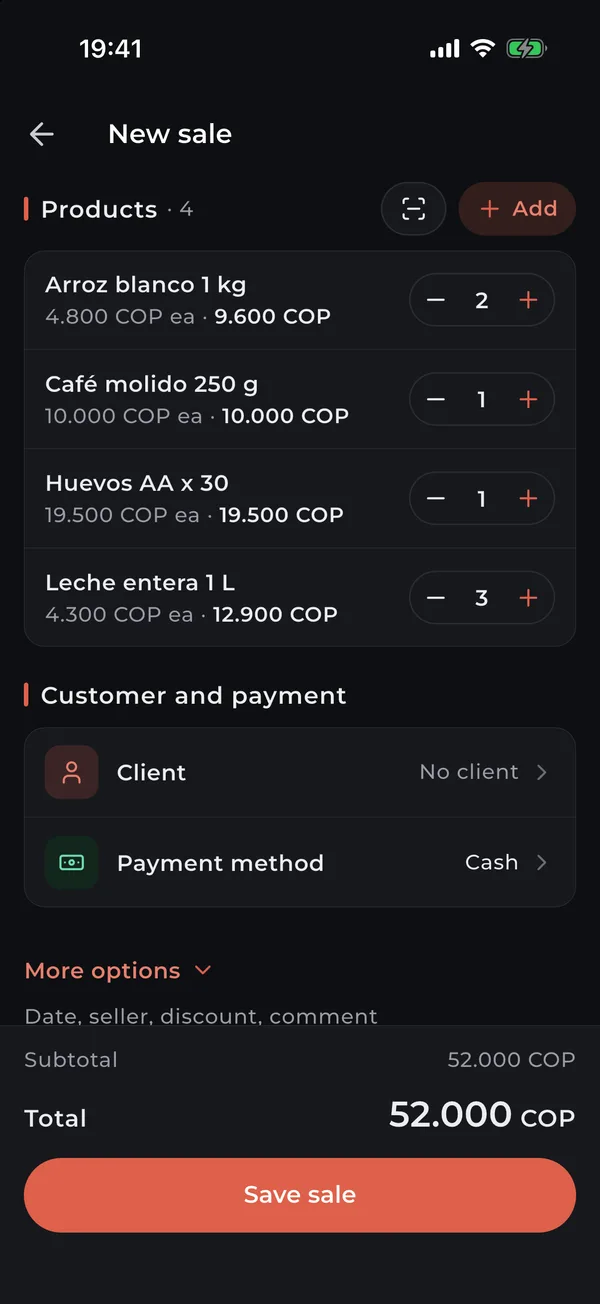
Record every sale in seconds
Add products with a tap, take cash, card or transfer, and apply a discount when you need to.
- Quick product search by name
- Discount on the sale
- Several payment methods in one saleEntrepreneur
- Wholesale price by quantityEntrepreneur
- Charge in two currencies, like dollars and your local currencyEntrepreneur
- Barcode scanningGrowth
Inventory
Your inventory up to date, effortlessly
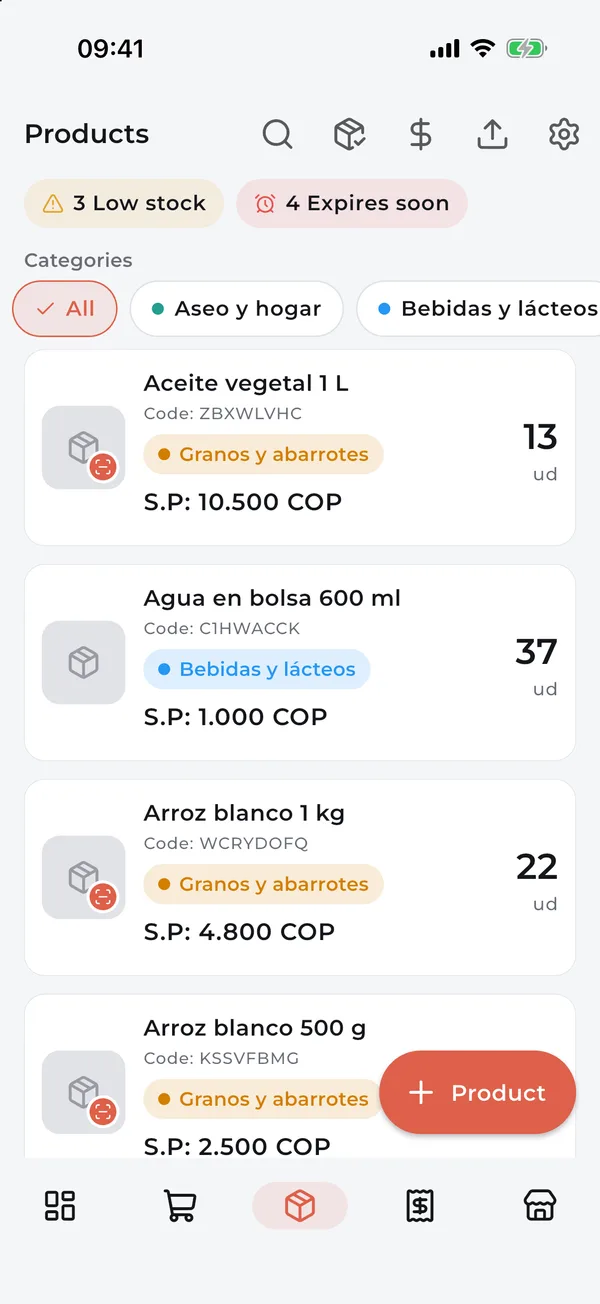
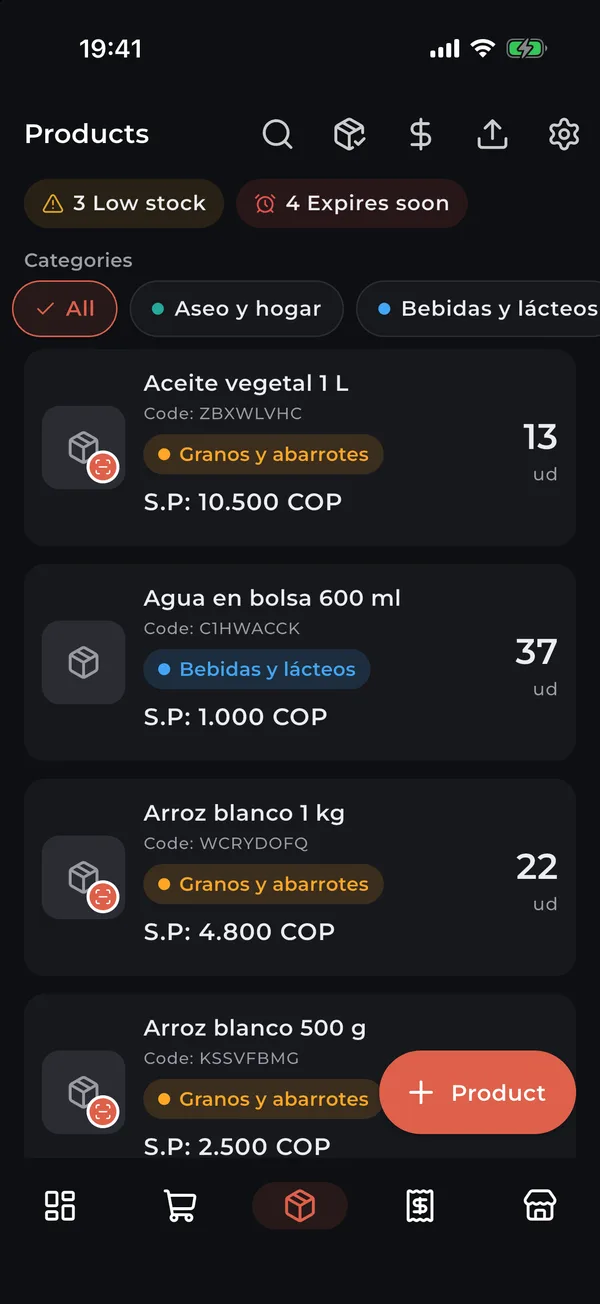
Every sale updates your inventory automatically. Keep track of costs, prices and available stock.
- Updates itself with every sale
- Up to 500 products on the Free plan
- Cost and sale price
- Low stock and expiring products at a glance
- Unlimited productsEntrepreneur
- Categories and low stock alertsGrowth
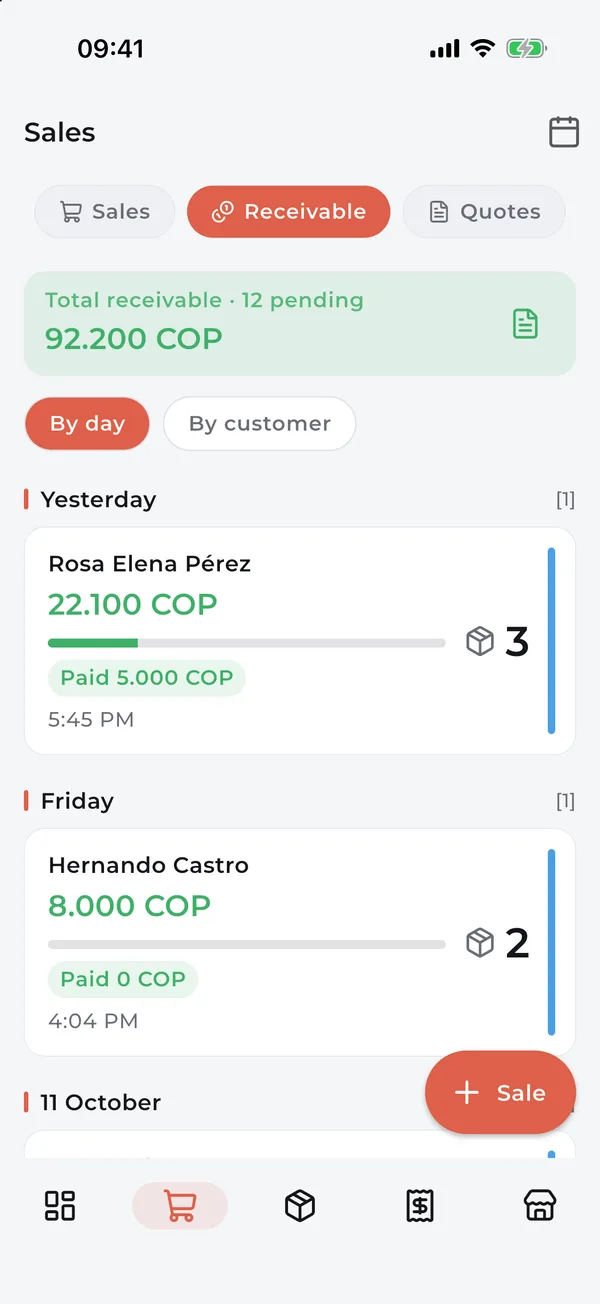
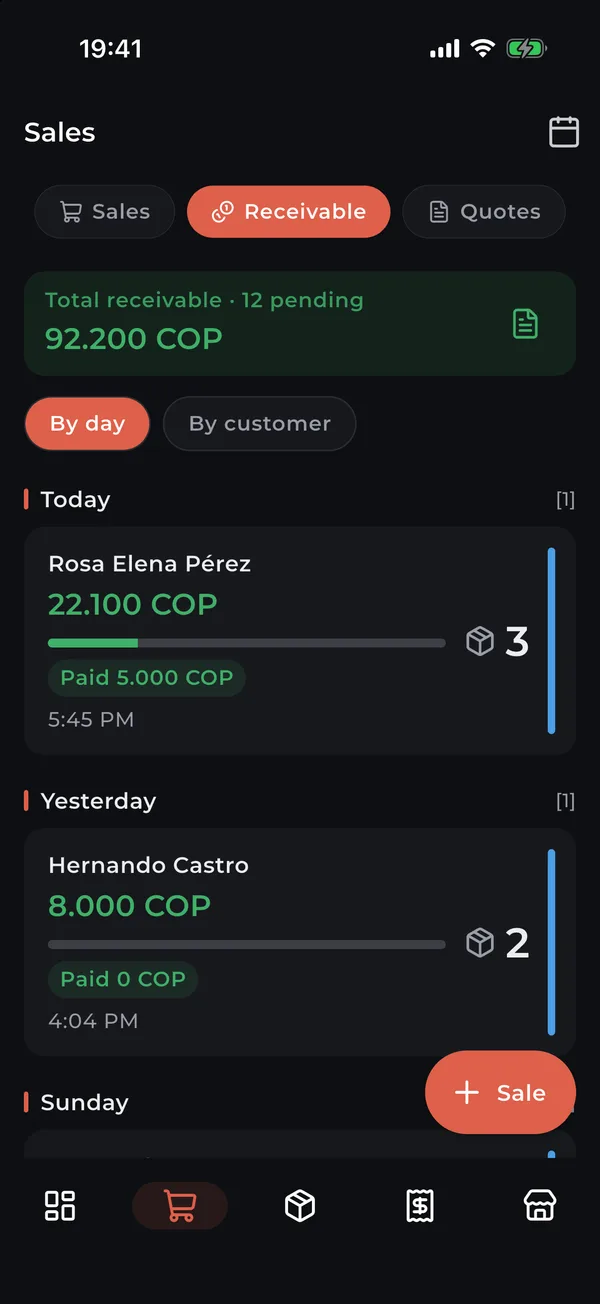
Credit
Sell on credit without fear of not getting paid
Record credit sales with the customer's name and due date, and see at a glance who owes you and how much.
- Purchase history per customer
- Accounts receivable with due dates
- Partial payments
- PDF account statement to send to your customer

Expenses
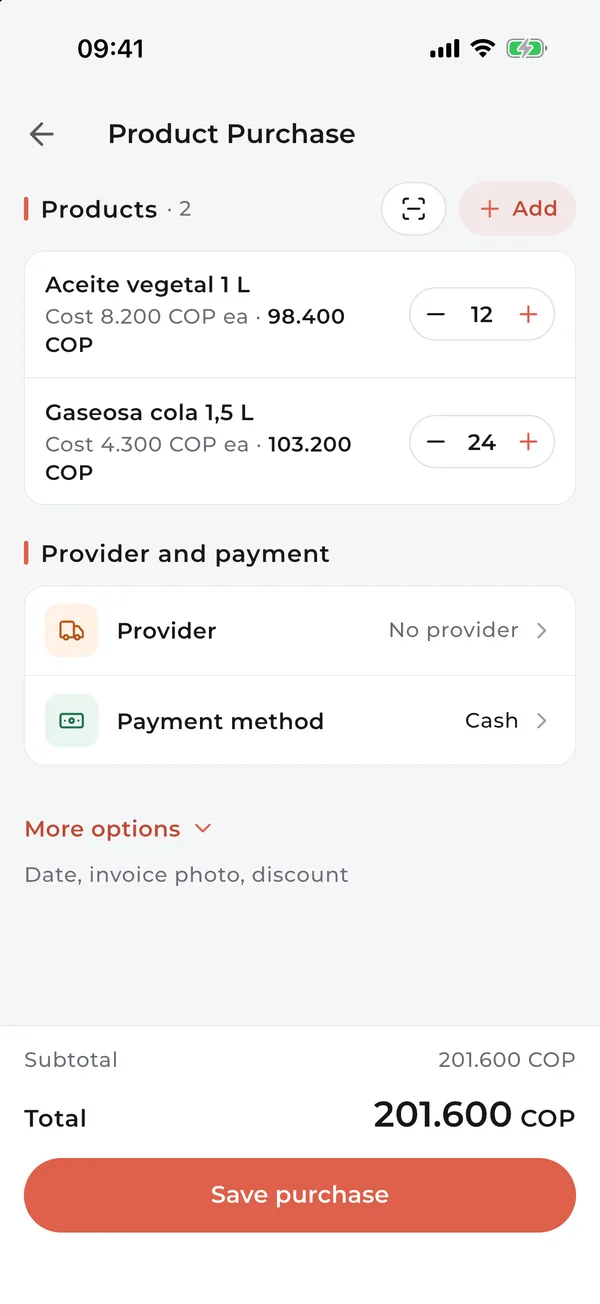
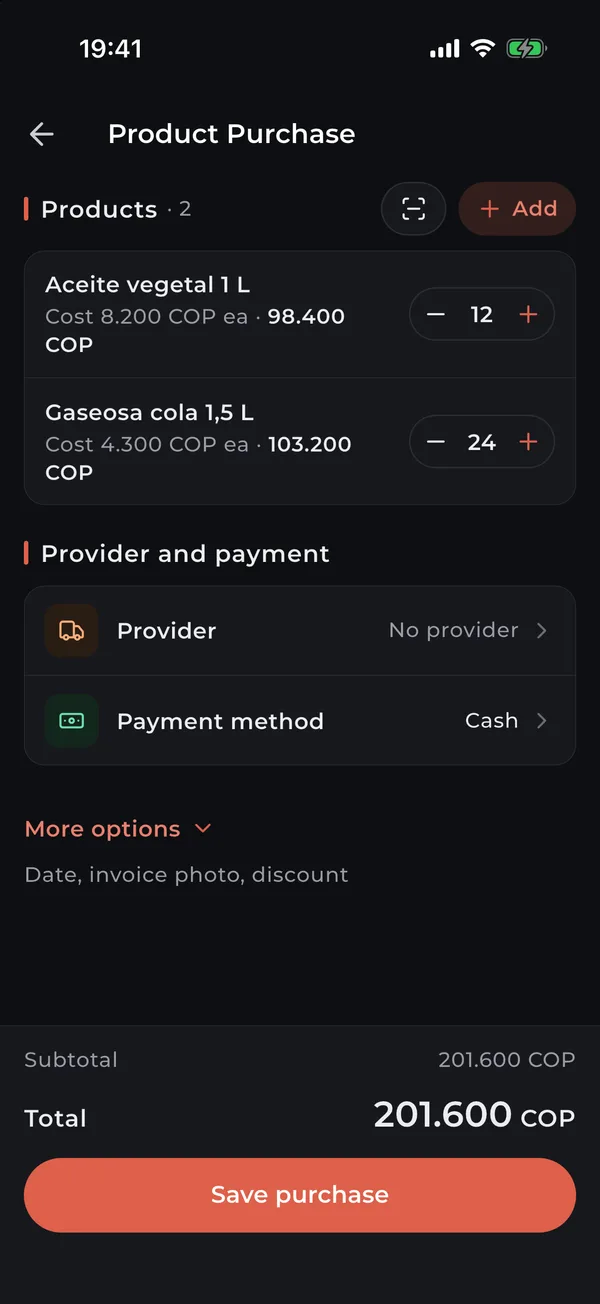
Track everything that leaves your business
Record your expenses and supplier purchases. Know exactly how much you spend on merchandise, rent, utilities and more.
- Categorize your expenses
- Supplier purchases that restock your inventory
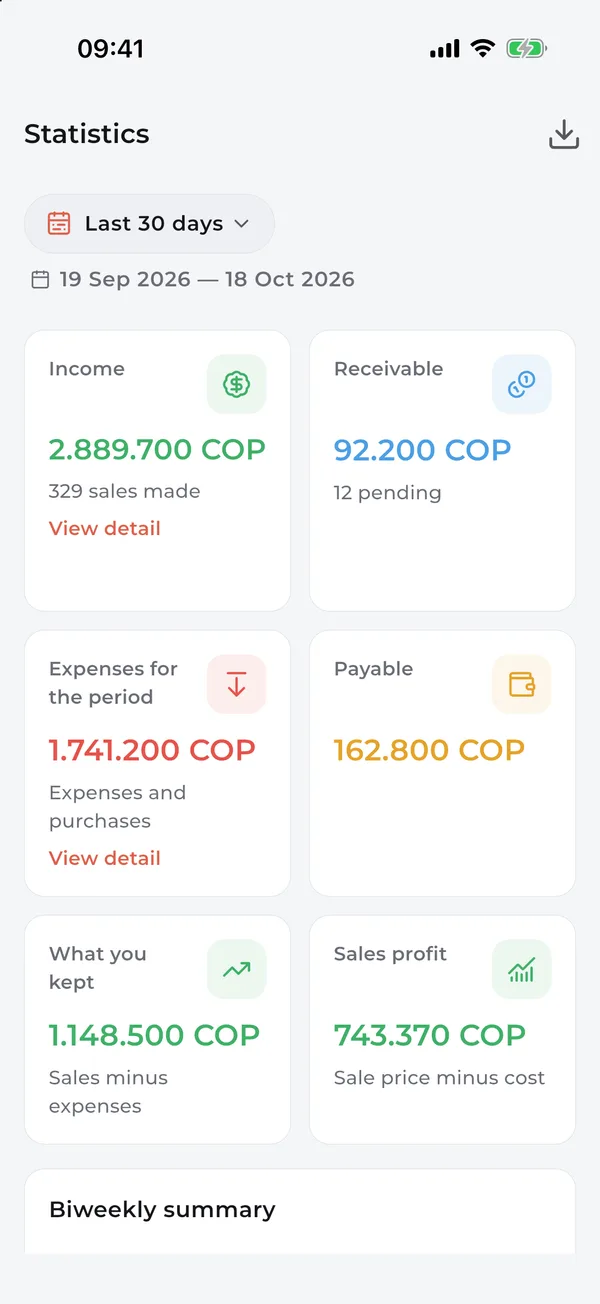
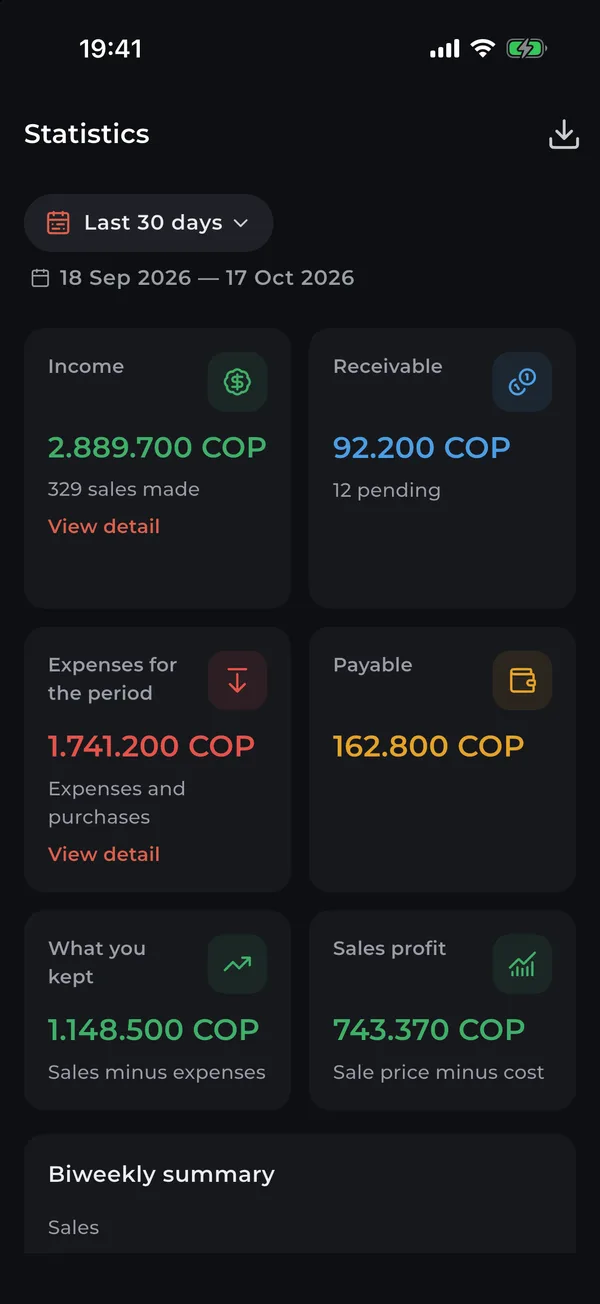
- What you kept: sales minus expenses
- Accounts payableGrowth
Reports
Clear numbers for better decisions
Summaries and reports that tell you how your business is doing, no accountant needed.
- Income and expense summary by date
- Export to PDF and Excel
- Daily cash closingEntrepreneur
- Reports with chartsEntrepreneur
- Best-selling products, top customers and sellersEntrepreneur
Does it do that? Yes
What people ask us most
These are the things people who already use the app look for most, and all of them are in Control de Mi Negocio.
Works with your printer
Print the receipt for every sale
Connect a 58 or 80 mm Bluetooth thermal printer and hand over the receipt right away, with your business details.
Models already printing with the app
- MPT-II
- MP80
- MP210
- CY-8001
- Generic «BlueTooth Printer»
On Android phones and tablets, starting with the Entrepreneur plan.
Tablet and computer
Your business on the big screen too
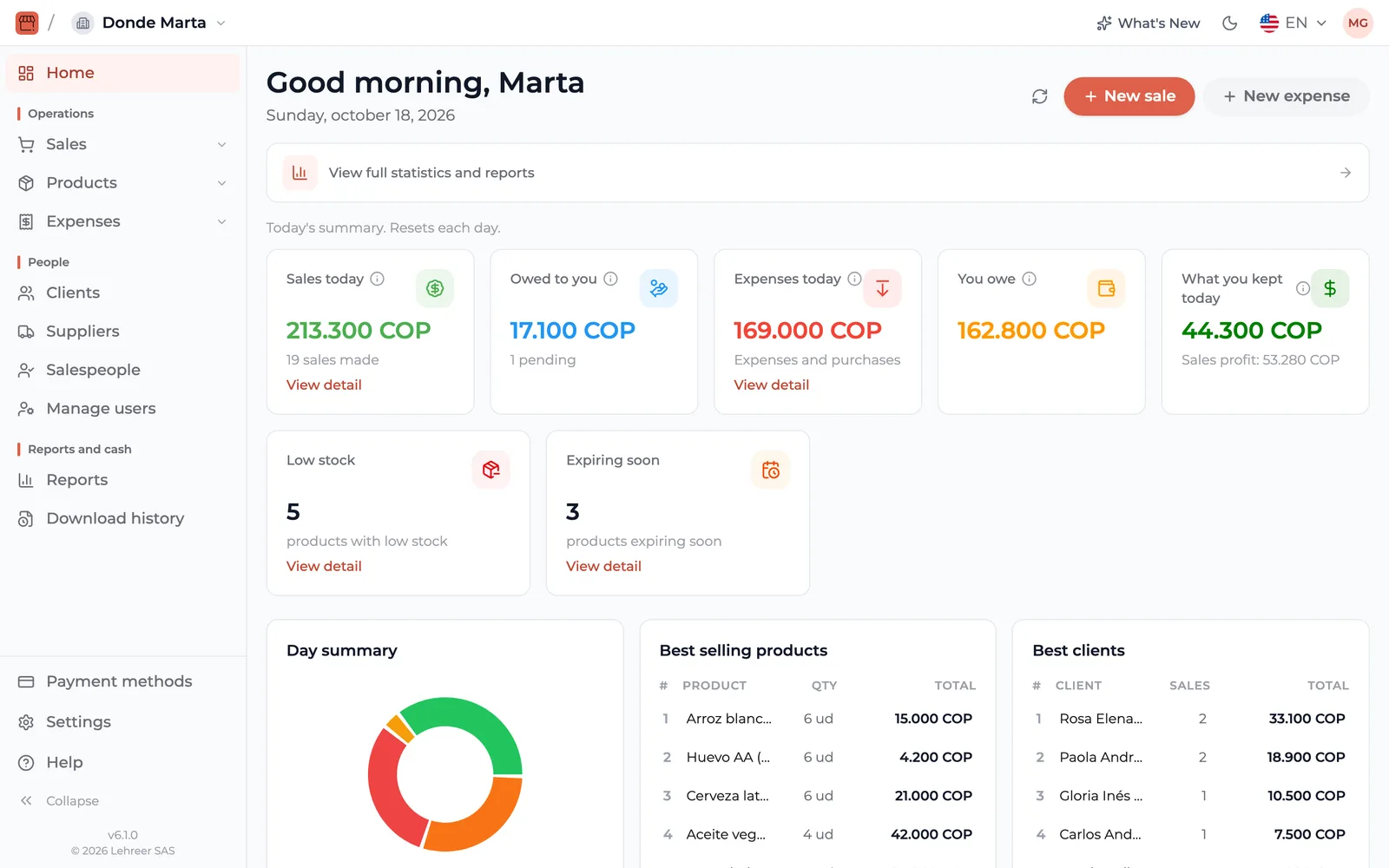
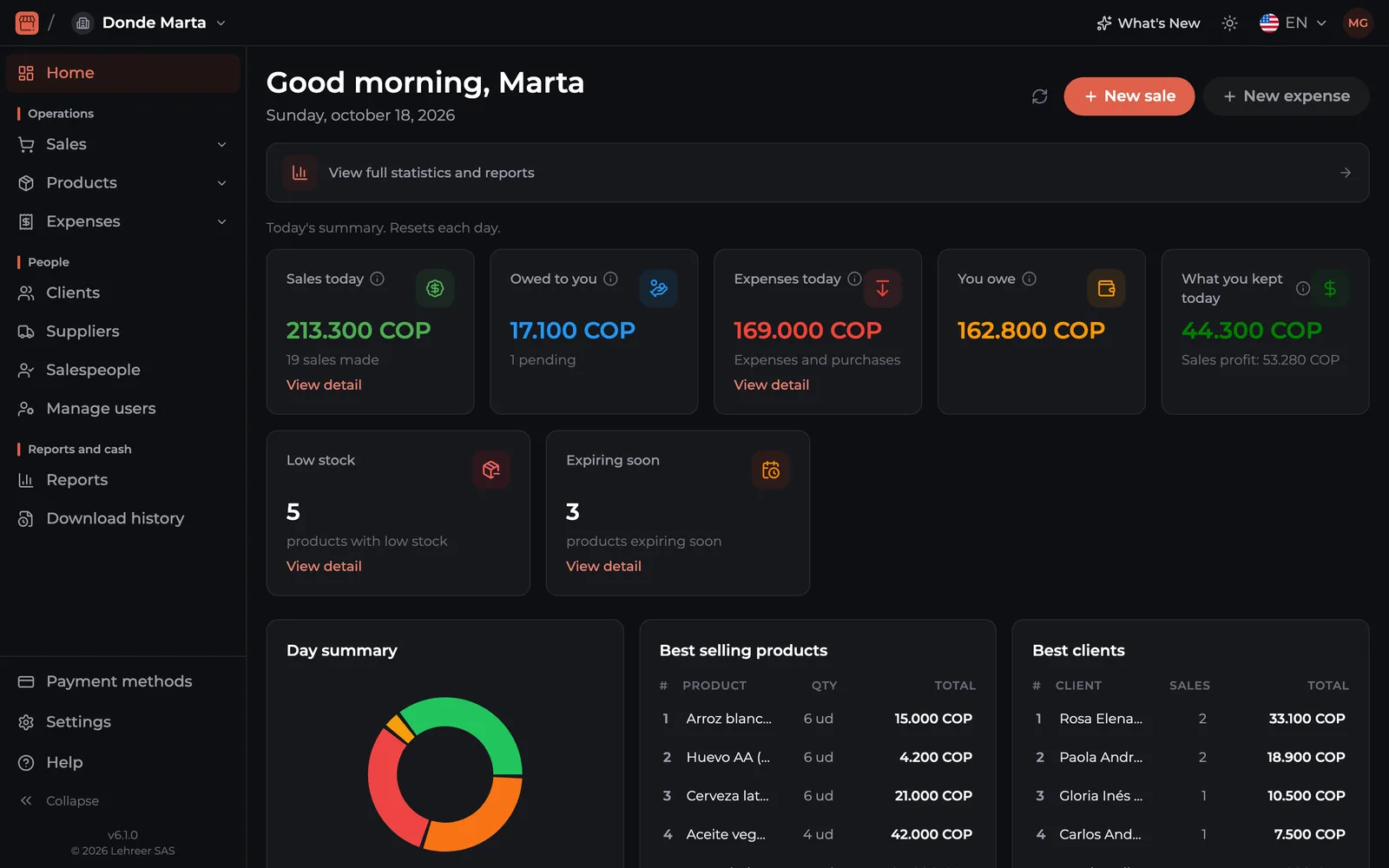
Record everything on your phone and, whenever you need to, open it on your tablet or computer with your whole business in view.
And on the computer?
You open it in your browser, with nothing to install and the same email. It comes with the Entrepreneur and Growth plans.
Reviews
What merchants who already use it say
Real reviews from Google Play and the App Store
“One of the best apps out there to run, organize and manage your business. I've been using it for 3 months and it has really helped me a lot with products, stock checks and cash closings, and it's easy to use.”
GOZRA 1979
Google Play · Oct 2026
“For more features they have different plans that are honestly very affordable. But the free version, which is the one I've been using, is very complete. It helped me keep track of all my sales even though I had no experience at all. Nothing gets lost, you can even record what people owe you. The free version for small businesses is 10/10.”
Angeleesar
App Store · Aug 2026
“So far it's excellent. It helps me organize, above all, my accounts receivable and run things better... You also keep track of your sales, profits and accounts receivable, and there are still modules I haven't checked out, but so far, excellent!!!”
Yuli I.
Google Play · Oct 2026
“For a free app it's way too good. I've been using it for a long time and it has never failed me, without a doubt it's the best for entrepreneurs 👍”
USUGA28
App Store · Oct 2026
“I love the app. I keep better control of credit sales and I have a clearer view of all the products I have in stock.”
Cindy A.
Google Play · Oct 2026
“Excellent value for money. Very friendly and intuitive interface. Lots of complementary features, it's excellent! 100% recommended.”
Luis P.
Google Play · Oct 2026
Choose the plan you need
Start free and grow when your business needs it. No contracts, cancel anytime.
Free
Ideal to start trying the app and tracking the basics of your business at no cost.
View plan detailsNo Ads
or $24.99 USD a year · Save 16%
Everything in the Free plan but without ads, with more history and more products. It does not include the Entrepreneur or Growth features.
View plan detailsEntrepreneur
or $59.99 USD a year · Save 16%
If it is your first subscription, the yearly plan starts with 7 days free.
Ideal for those who are starting out and need simple tools to manage their business with more control.
View plan detailsGrowth
or $109.99 USD a year · Save 16%
If it is your first subscription, the yearly plan starts with 7 days free.
Designed for growing businesses that need advanced features to manage sellers, detailed reports and web operations.
View plan detailsPrices vary by country. Check final pricing in your app store.
Before you subscribe
Can I only pay by card?
No. Payment is handled by your phone's app store (Google Play or App Store): you can use a credit or debit card and, depending on your country, other methods the store accepts, such as account balance or gift cards.
Can I cancel anytime?
Yes, anytime and with no penalty. You cancel from your Google Play or App Store account, under Subscriptions. You keep your plan until the end of the period you already paid for, and you won't be charged again.
Can I pay yearly?
Yes. Every plan can be paid monthly or yearly, and yearly costs less. You choose it in the app, under Settings → Subscription plans. If you already pay monthly and switch to yearly, the change is immediate and you don't lose what was left of your month. And if you'd rather go back to monthly, it starts when the year you already paid ends. If it's your first subscription, the yearly Entrepreneur and Growth plans start with 7 free days.
Frequently asked questions
Yes. The Free plan never expires and doesn't ask for a card. It includes unlimited sales, up to 500 products, up to 2 businesses, customers and credit sales with partial payments (no customer limit), expenses and purchases, and the summary of the last 90 days. It shows ads. Paid plans cost $2.49 USD a month (the one that only removes ads), $5.99 USD (Entrepreneur) and $10.99 USD (Growth). You can also pay yearly: $24.99 USD, $59.99 USD and $109.99 USD, and you save 16 %.
Yes. You open it in your computer's browser at app.controldeminegocio.com, with nothing to install and the same email and password as the app. The web version comes with the Entrepreneur and Growth plans; with Free or No Ads you use the app on your phone or tablet.
Yes, anytime and with no penalty. You subscribe from the app and Google Play or the App Store charges the payment method on your account: a card and, depending on your country, other methods the store accepts. You cancel in the store, under Subscriptions, and keep your plan until the end of the period you paid for. Nothing is paid on the web.
Yes. From the Free plan you export your sales and expenses to Excel and import products from an Excel file. With Entrepreneur you can also update many products at once with Excel and export your customer list.
Yes, from the Free plan and with no customer limit. You sell on credit, record payments and see who owes you and how much, grouped by customer. You can also get the customer's account statement as a PDF.
Yes. When you create an item you choose whether it's a product or a service: a service is charged the same way but doesn't take stock out. It works for salons, repair shops, laundries and services in general, and also if you sell both. What it doesn't have yet is appointment booking.
Yes, with the Growth plan: up to 5 seller accounts, each with their own login and the permissions you give them. Each seller account belongs to one business: if you have two businesses, you create one account for each.
Your contact details (phone, address and website) appear on sale and quote PDFs from the Free plan. Your business logo on the PDF and at the top of the receipt comes with Entrepreneur. Quotes are part of the Growth plan.
Yes. It works in any country and you choose the currency of each business. It comes with cash, card and bank transfer, and with Entrepreneur you create your own payment methods, like Nequi, Yape, Pix or Pago Móvil. And with Entrepreneur you can also show prices and get paid in a second currency, like dollars and bolívares, at the rate you set.
Your data is saved in the account (the email) you created it with, not on the phone. If you can't see it, you most likely signed in with a different email: sign out and sign in with the one you used before. If you forgot your password, tap "Forgot your password?" and also check Spam. If it still doesn't show up, write to support@lehreer.com with your account email.
"What you kept" is what came in (cash sales and payments collected) minus what went out (expenses and purchases paid). "Sales profit" is the sale price minus the cost of each product sold. Inventory cost is each product's cost times the units you have.
No. The app creates receipts for your customer, but it doesn't replace an electronic invoice and has no tax validity (DIAN, SAT, SUNAT, ARCA or other).
It shows your information without a connection, but recording sales, purchases or inventory changes needs internet. That way what you record is saved and looks the same on all your devices.
Yes, on every plan. You record other income, like a commission, rent, a service, a refund or a loan, without it counting as a sale. It adds to your cash drawer and your income. Loans don't count in "What you kept", because that money has to be paid back.
Yes, with the Entrepreneur plan. When you reduce stock you choose whether it's an inventory correction or a loss (damaged, expired or another reason), and from the sale you record a product exchange. The app saves the cost of what you lost and shows you how much you lose in Statistics and in your reports.
With the Entrepreneur plan, in the open cash drawer you tap "Cash in or out": for example, change you brought from the bank or money you took to the bank. It doesn't count as a sale, an expense or profit: it only changes the expected cash, so your drawer adds up when you close it. If you paid for something, record it as an expense.
In the sale detail, tap ⋮ and «Register return». Choose what they gave back: the product returns to inventory and you refund the customer or leave it as store credit for their next purchase. It is part of the Entrepreneur plan.
Start keeping track of your business today
Thousands of merchants in Latin America already did. It's free, it's easy, and it takes less than 2 minutes.
No credit card. No commitments.