Sold by the kilo
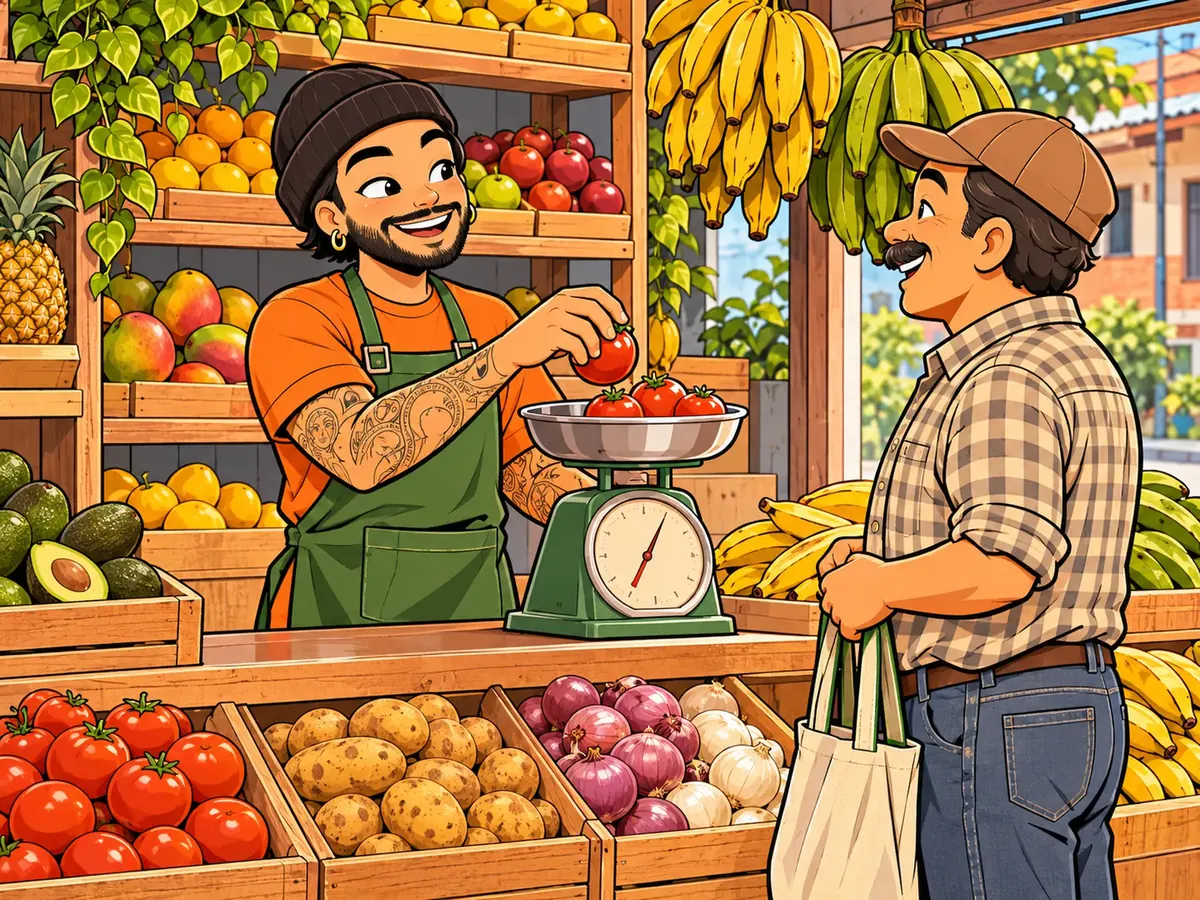
A kilo and a half of tomatoes
- Tomatoes are in kilograms, with their price per kilo.
- When selling you type 1.5.
The app works out the price and you have 18.5 kg of tomatoes left.
Entrepreneur
For produce stores, fruit stands and market stalls
Record what you sell by weight, what spoils and who owes you, and see every day how much you kept.
Overripe tomatoes and bruised fruit go in the trash without showing up anywhere.
Weigh, multiply and round, and in the end you don't know how much each thing brought in.
And the old list is still stuck on the scale.

What produce stores use most in the app.
Type 1.5 kg and the app works out the price.
What spoiled, as a loss with its cost.
Change a price in one tap, or many at once from an Excel file.
Who owes you, how much and since when, with their payments.
What you bought at the wholesale market, with its cost.
Sales and payments received minus expenses and purchases, on the app home screen.
Everyday examples, step by step, with what you see in the app.
Sold by the kilo
The app works out the price and you have 18.5 kg of tomatoes left.
Losses
In Statistics you see how much you lost this week and on which product.
Purchases
You know what each kilo cost you and what it leaves you when you sell it.
Credit
In «Receivable» you see how much she has left and since when.
In one afternoon your produce stand is up and running.
Download the app, create your account and name it.
Each fruit and vegetable with its price per kilo or per unit.
Each sale takes stock off; each tab is saved with a name and a date.
You see how much you sold, how much was lost and what you kept.
What produce and fruit store owners ask us most.
Yes, with units of measure on the Entrepreneur plan: you sell quantities with decimals and the app works out the price.
Yes, on the Entrepreneur plan: you report it as a loss with its cost, it comes off your inventory and you see it in Statistics.
No. You weigh as usual and type the weight into the sale.
Yes. The Free plan lets you sell, give credit and track your inventory, with ads. Selling by the kilo and recording losses are on the Entrepreneur plan.
Start free today. If it doesn't work for you tomorrow, delete it and that's it.