On the computer
Control de Mi Negocio on your computer
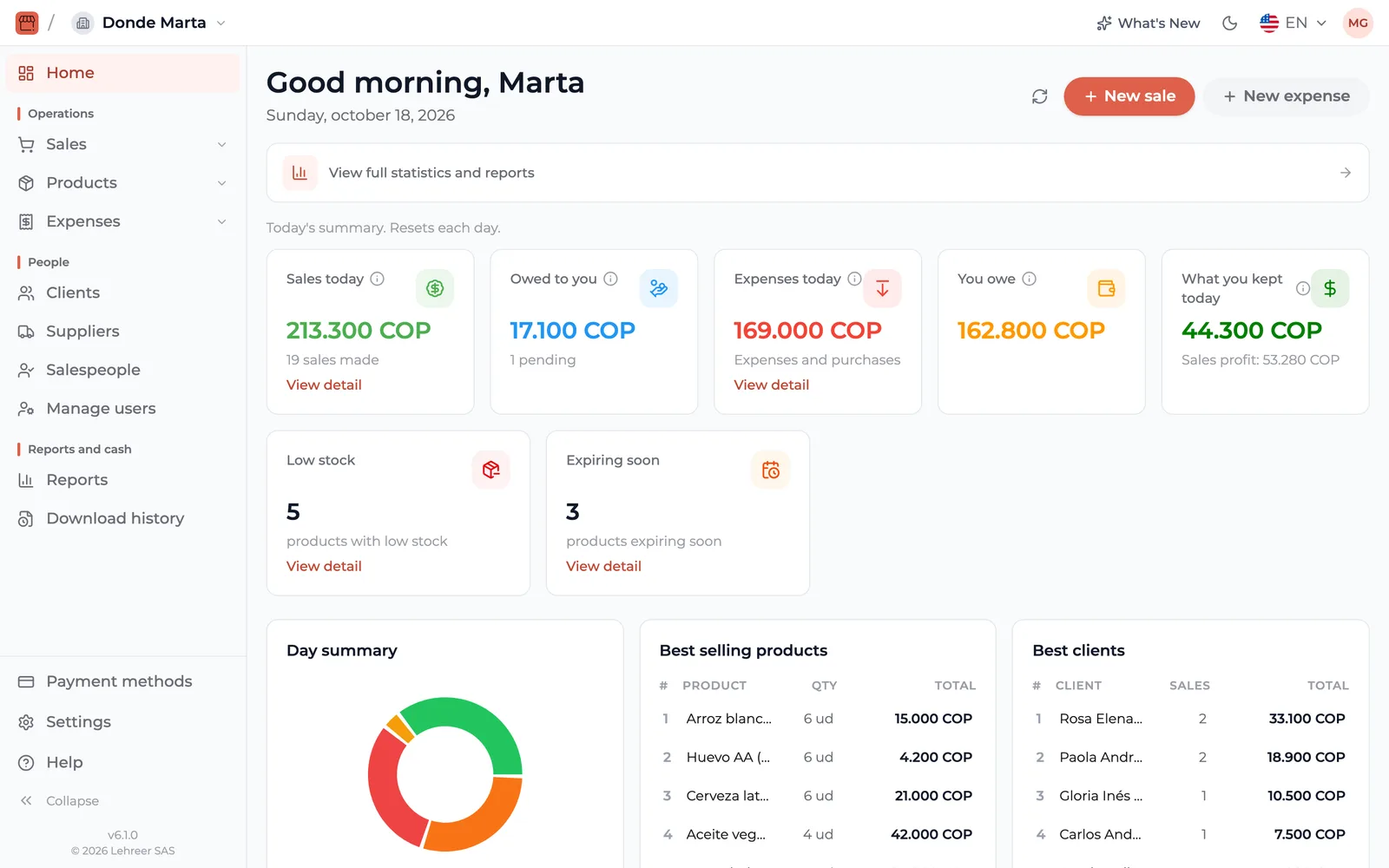
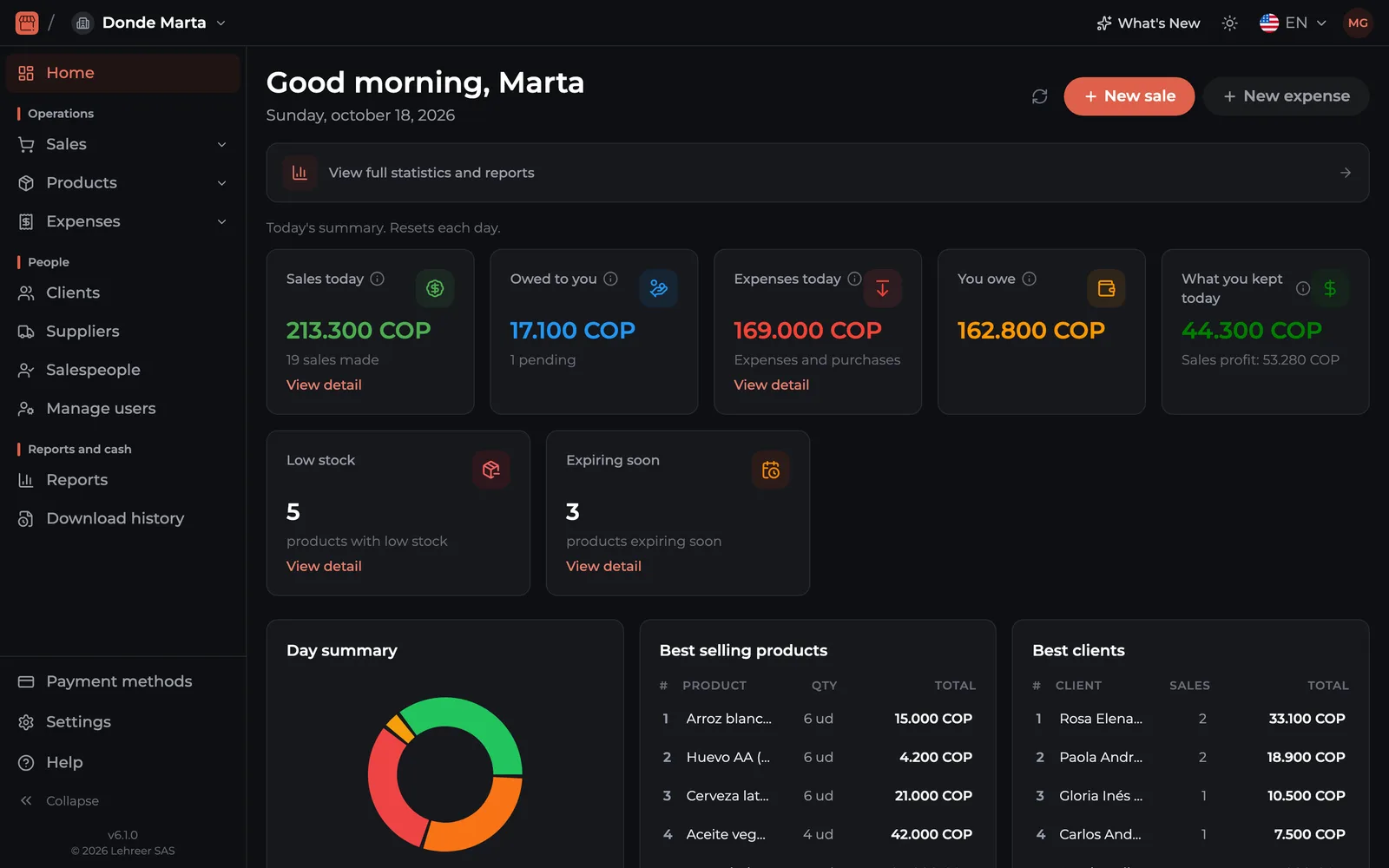
It works in your computer's browser (Windows, Mac or Linux), with nothing to install. You sign in at app.controldeminegocio.com with the same email and password as the app and see your business on the big screen, with the same data as on your phone.
Go to the web app
Use the same email and password as the app.
app.controldeminegocio.com
Which plans include it
- Entrepreneur ($5.99 USD a month) and Growth ($10.99 USD a month) include the web version.
- With Free or No Ads you use the app on your phone or tablet, but not on the computer.
- If you're a salesperson, the business needs the Growth plan.
You buy the plan in the phone app, with Google Play or the App Store. Nothing is paid on the web.
Compare all plansHow to start
- 1Download the app on your phone and create your account.
- 2In the app, subscribe to Entrepreneur or Growth.
- 3On the computer, open app.controldeminegocio.com and sign in with the same email and password.
What you can do on the web
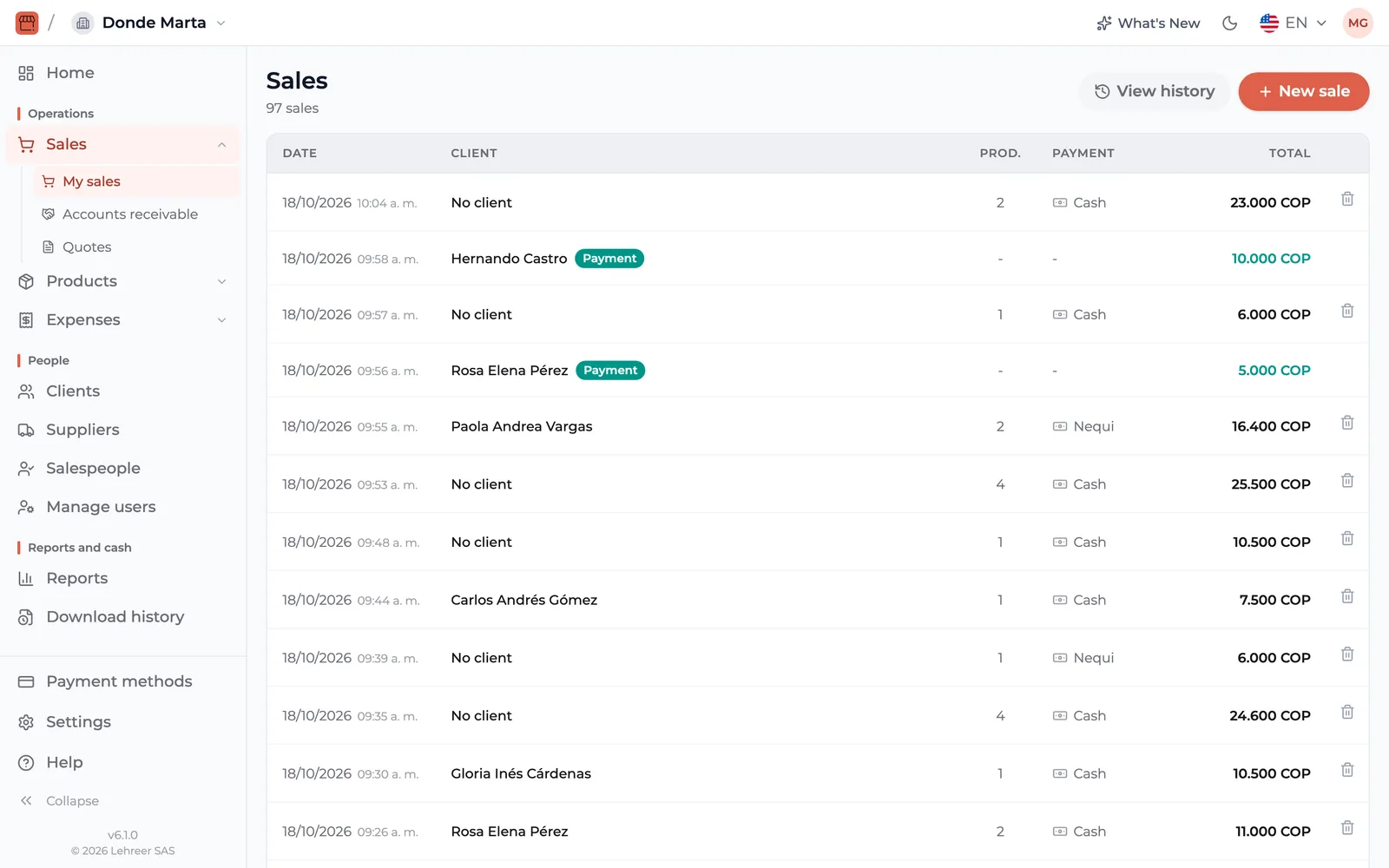
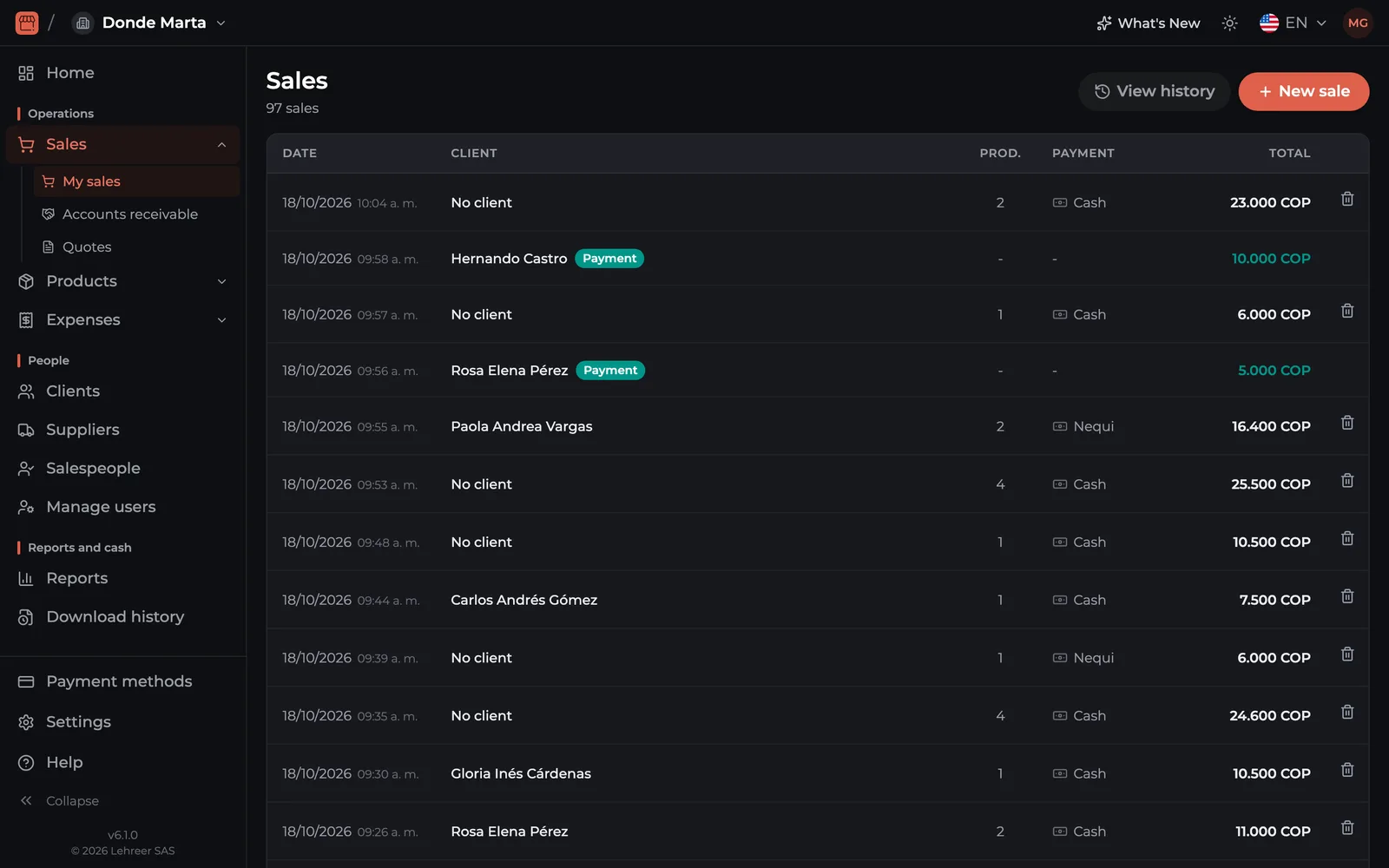
- Record sales, expenses and purchases.
- See and edit your inventory, with import from Excel.
- Collect credit sales and record payments.
- Do the cash closing.
- See statistics and export to Excel and PDF.
- Use a barcode scanner gun (Growth plan).
app.controldeminegocio.com
Questions about the PC version
No. The web version is part of the Entrepreneur and Growth plans. The Free plan is for using the app on your phone or tablet.
No. It's a website: it works in Chrome, Edge, Safari or Firefox. There's nothing to install.
Yes. Everything stays in your account in the cloud, so what you record on one side shows up on the other.