For corner stores, grocery stores and mini markets

Every sale and every tab in your store, on your phone

Know how much you sold today, who owes you and what is running out, with no notebook and no math at closing time.

  • Start free
  • No credit card
  • Android, iPhone and computer

More than 1,000 corner stores and mini markets use it every month.

See plans
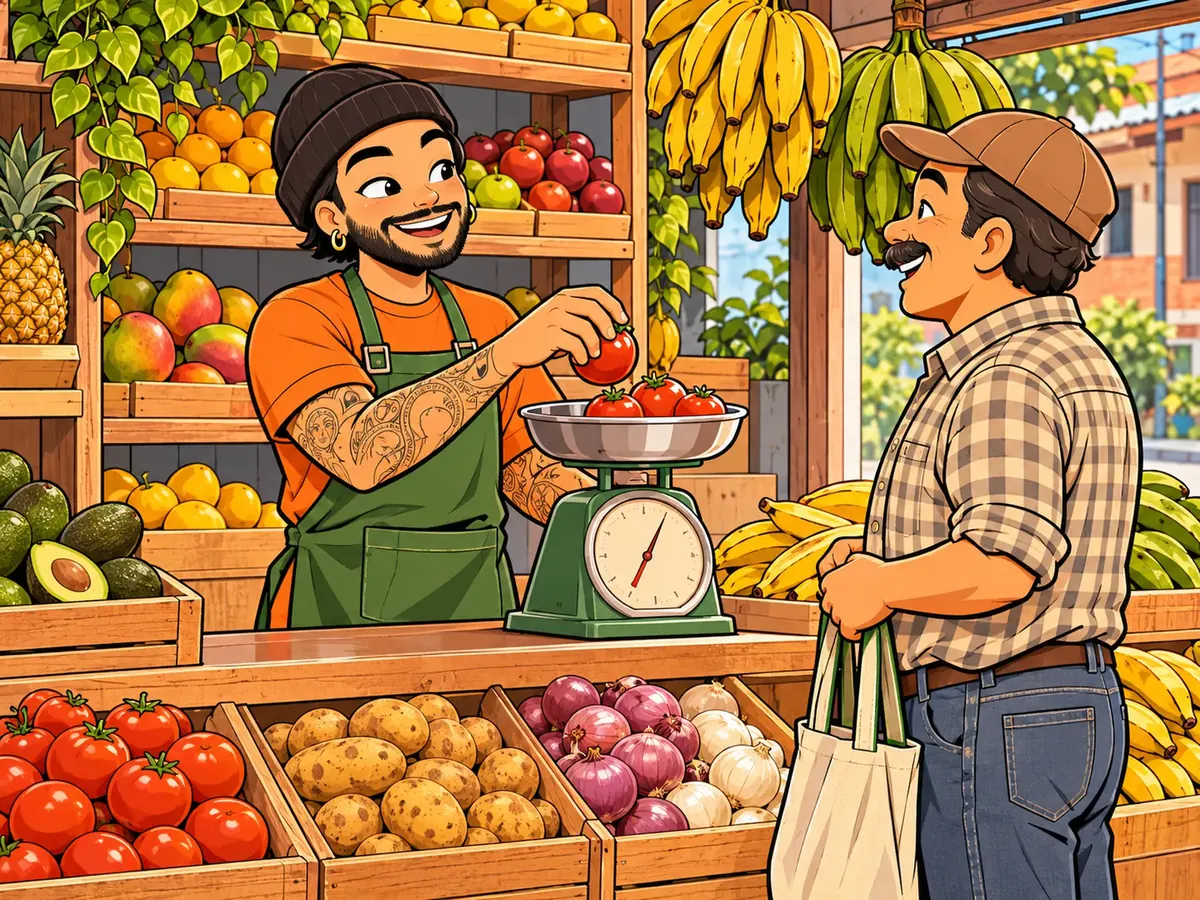
Juan serves a customer in his corner store
Juan, in his corner store.

What happens in the store today

  • “At closing I don't know how much I sold”

    Between cash, transfers and what you jotted down in a hurry, the day never adds up.

  • “I put it on their tab and forget to collect”

    Tabs live in a notebook or in your head, and every week a little gets lost.

  • “We ran out of rice and I didn't notice”

    The customer leaves empty-handed and you find out when there is none left.

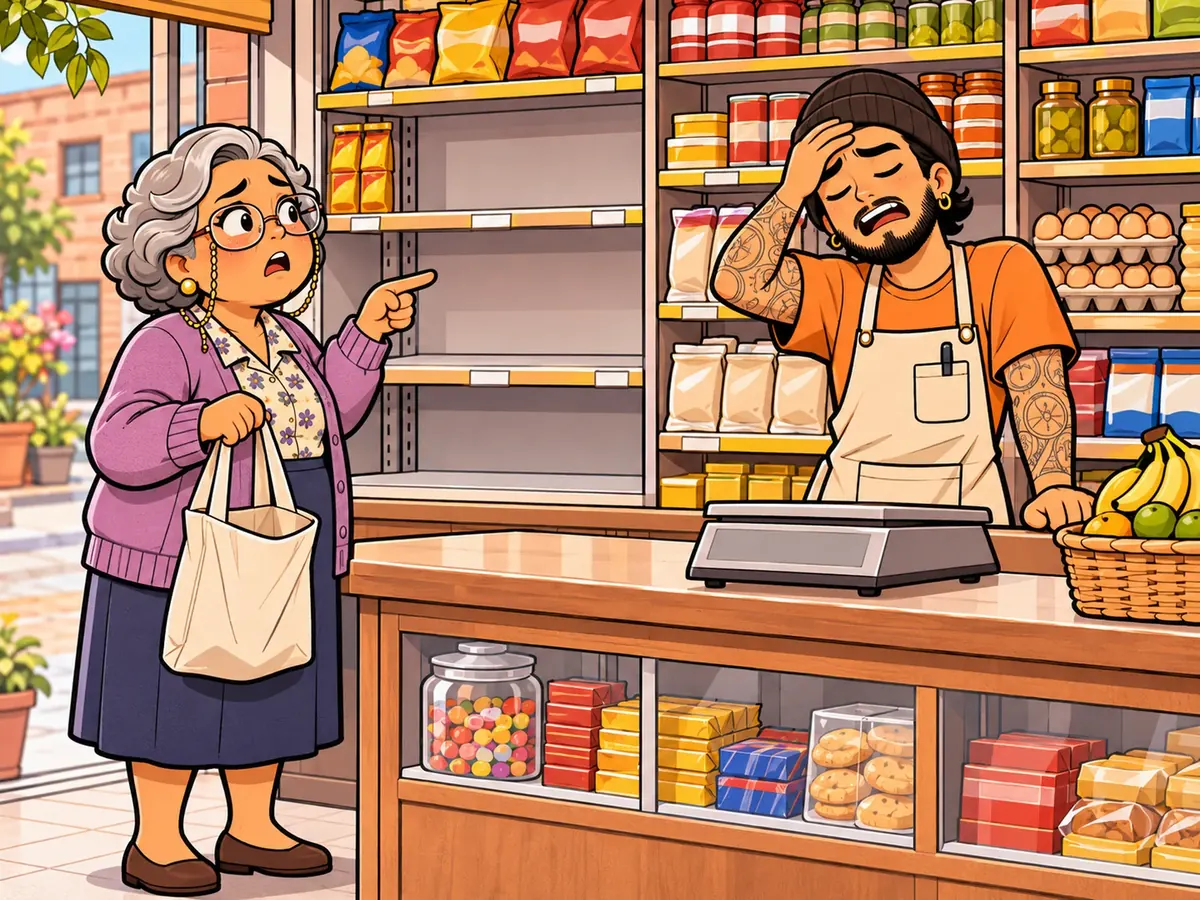
Doña Marta points at the empty rice shelf and Juan holds his head
Out of rice, and Doña Marta leaves with an empty bag.

Made for the counter

What corner stores use most in the app.

  • Sell in seconds

    Search the product by name, tap it and charge. Inventory goes down on its own.

    Free
  • Tabs without a notebook

    Record who you gave credit to and when they will pay. Take partial payments and send them their statement as a PDF on WhatsApp.

    Free
  • Alerts before you run out

    The traffic light shows what is low on stock before it runs out.

    Free
  • Daily cash closing

    The app tells you how much cash should be in the drawer; you count and see the difference.

    Entrepreneur
  • Get paid however they pay

    Cash, transfer, card or the methods you create, like your local wallet app. And several in the same sale.

    Entrepreneur
  • Barcode scanner

    With your phone camera: point at the code and the product goes into the sale.

    Growth
  • What you kept today

    Sales and payments received minus expenses and purchases, on the app home screen, every day.

    Free
  • What you owe your supplier

    Record purchases on credit and pay in installments, without losing track.

    Growth
  • Someone else at the counter

    Create accounts for your sellers and decide what they can see and do.

    Growth

How it works in your store

Everyday examples, step by step, with what you see in the app.

Customer credit

Mr. Frank takes his groceries on credit

  1. On Monday you sell $24 and choose «On credit», with Mr. Frank and the date he will pay.
  2. On Friday he pays $10: you record it on his account.
  3. You send him his statement as a PDF on WhatsApp.

In «Receivable» you see Mr. Frank · owes $14 · 4 days ago.

Free

Sold by weight

Cheese and rice are sold by the pound or the kilo

  1. You create «Fresh cheese» with kilograms as its unit and its price per kilo.
  2. When you sell, you type 0.5 and the app works out the price.
  3. Inventory goes down half a kilo.

You have 3.5 kg left and the traffic light warns you when it gets low.

Entrepreneur
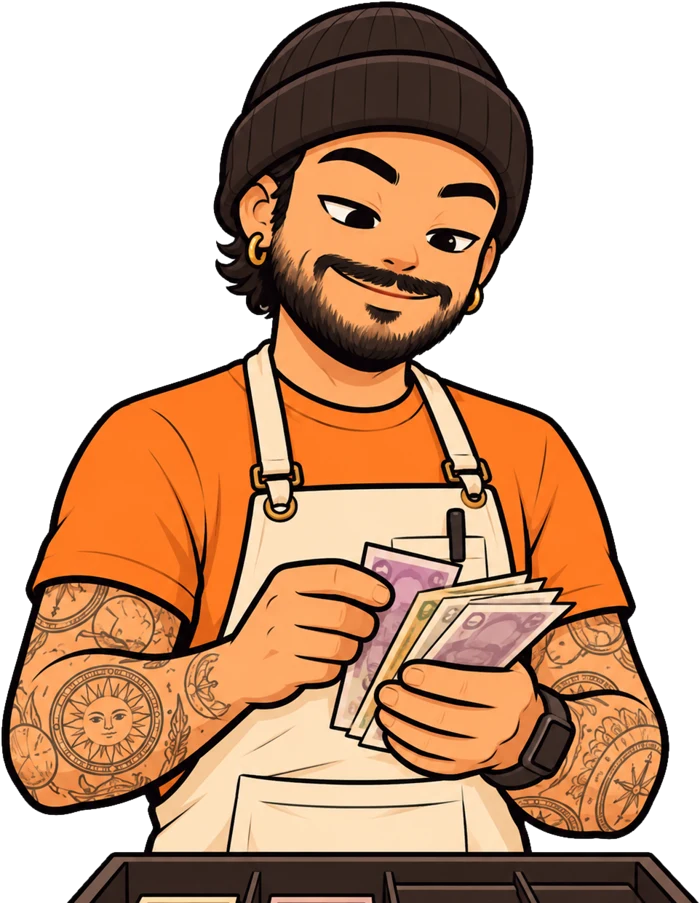
Juan counts the bills in the drawer at the end of the day
Juan, closing the cash drawer.

End of the day

At 9 p.m. you count the drawer

  1. You opened the drawer with $40 in change.
  2. The app adds the cash sales and payments received, and subtracts what you paid out.
  3. You count the bills and type what is there.

Expected cash $318 · counted $316 · $2 short.

Entrepreneur

Suppliers

The distributor gives you 15 days to pay

  1. You record the purchase on credit: inventory goes up and the debt stays with its due date.
  2. You pay it in two installments.

In «Payable» you see how much you owe each supplier and when it is due.

Growth

How you get started

In one afternoon your store is up and running.

  1. Create your store

    Download the app, create your account and name your business.

  2. Add your products

    One by one, or all at once from an Excel file.

  3. Sell and give credit

    Each sale takes stock off; each tab is saved with a name and a date.

  4. Look at your day

    At closing you see how much you sold, how much you are owed and what you kept.

Questions from corner stores

What store and mini market owners ask us most.

Yes. The Free plan lets you sell, give credit and track the inventory of up to 500 products, with ads. If your store grows, the paid plans add unlimited products, cash closing, barcode scanning and seller accounts.

When you sell, you choose «On credit», the customer and the payment date. In «Receivable» you see who owes you and how much, record payments and send them their statement.

Yes, with your phone camera, on the Growth plan. You use it when selling, searching and creating products.

No. You can import them from an Excel file with name, price, cost and quantity. On the Entrepreneur plan you can also update prices and quantities the same way.

Yes. On the Growth plan you create seller accounts and decide whether they can see costs, delete sales or record expenses.

Try the app in your store

Start free today. If it doesn't work for you tomorrow, delete it and that's it.